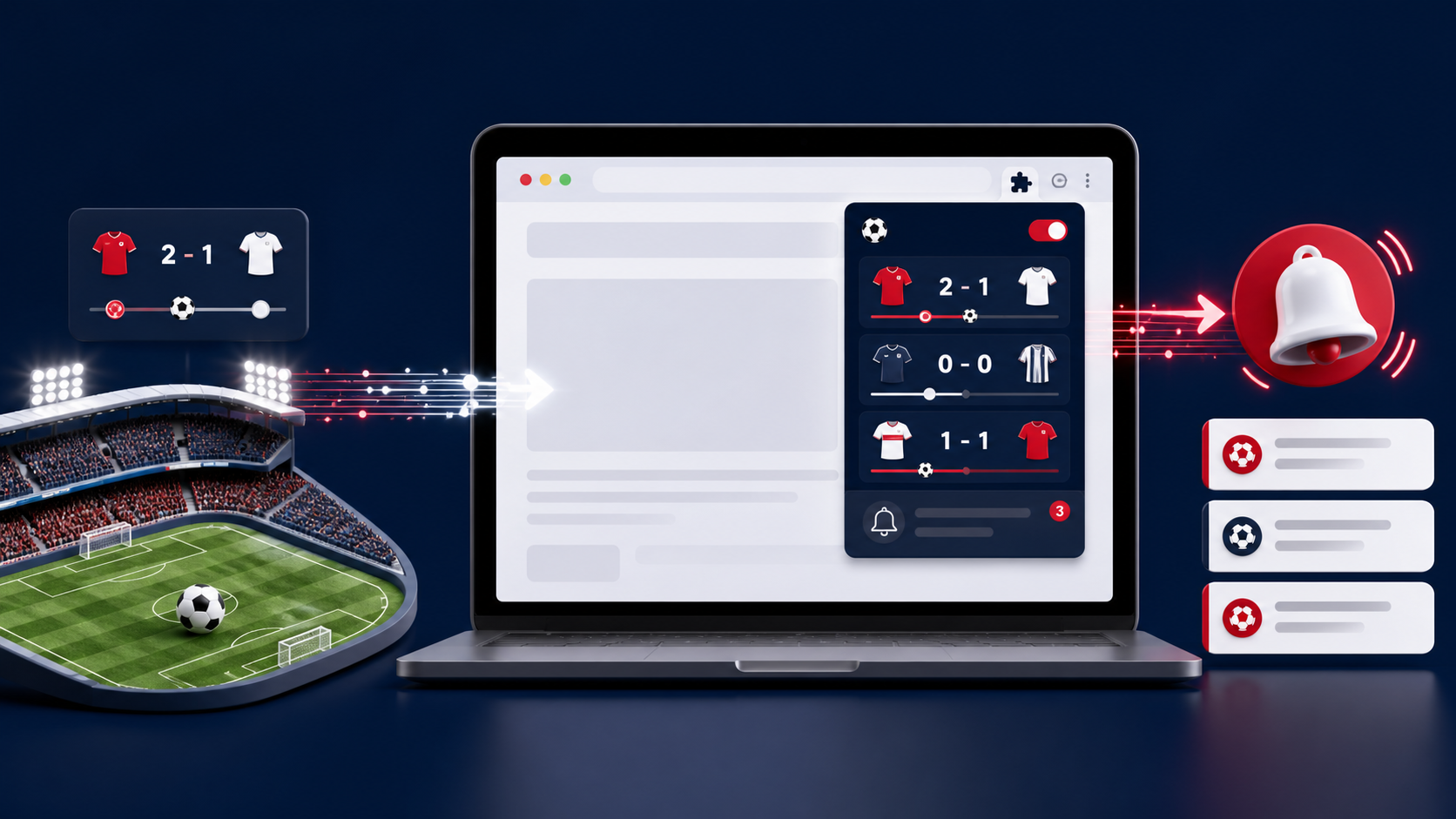
Football Live Scores
How to Get a Free API-Football Key: Step-by-Step Guide
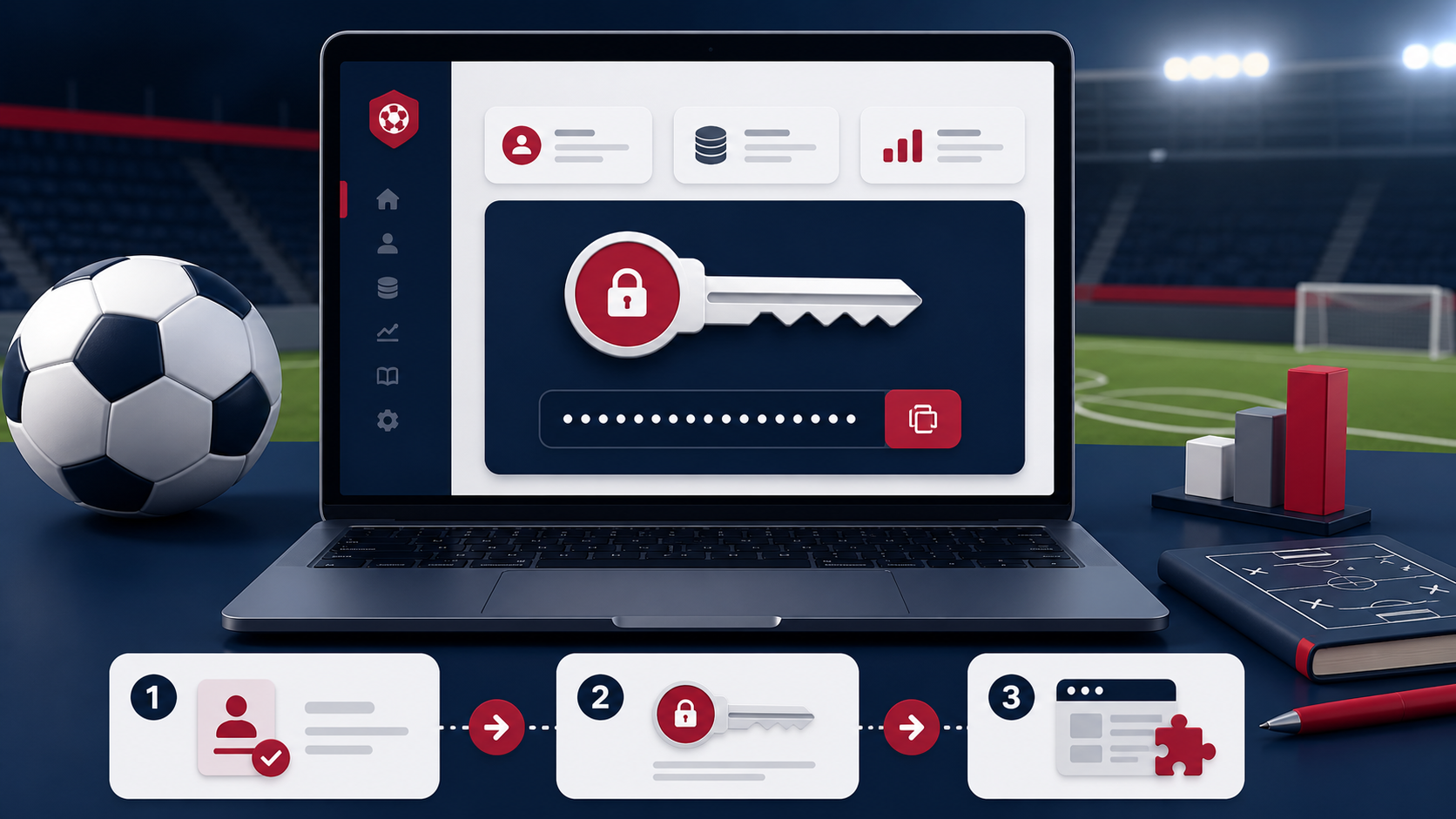
The Football Live Scores extension uses your own API-Football key to retrieve fixtures, results and league tables. The setup takes only a few minutes, and your key is stored locally in your browser rather than sent to our website.
What is an API-Football key?
An API key is a private identifier that lets API-Football connect requests to your account and plan. Treat it like a password: do not publish it in screenshots, public code repositories or forum posts. Football Live Scores needs the key so it can request the match information shown in the extension.
1. Create an API-Football account
Visit the official API-Football website and create an account. Confirm your email address if requested, then sign in to the dashboard. Plans and request allowances can change, so check the current pricing and coverage shown by API-Football before choosing an option.
2. Select the available free plan
Open the pricing or subscription area and look for the current free option. Confirm that it includes the leagues and season data you want to follow. A free allowance is useful for personal testing and regular score checks, but frequent refreshes or broader competition coverage may require a different plan.
3. Find and copy your API key
Open your API-Football dashboard and locate the account or API-key area. Copy the key exactly as displayed. Avoid extra spaces before or after it. If the dashboard offers a key-rotation option, use it immediately if you ever expose the key publicly.
4. Add the key to Football Live Scores
- Install Football Live Scores from the Chrome Web Store.
- Select the Extensions icon in Chrome and open Football Live Scores.
- Open Settings, paste the API-Football key into the API key field and save.
- Return to the matches view and refresh once.
How to fix a key that is not working
First, paste the key again and remove accidental spaces. Then confirm your API-Football subscription is active and that its daily request allowance has not been reached. Some competitions or seasons may not be included in every plan. If you recently created or rotated the key, allow a short time for the account change to become active before testing again.
Keep your API key secure
- Never share the complete key in a support message or screenshot.
- Do not place it in public HTML, JavaScript or a GitHub repository.
- Rotate it from the provider dashboard if it is exposed.
- Review your API usage periodically for unexpected activity.
Ready to follow the scores?
Once the connection succeeds, the extension can display the match information permitted by your API-Football plan. Next, read how the Football Live Scores extension works to understand fixtures, results, tables and browser alerts.